AudioRealm YP Bridge
Spacial shut down the AudioRealm / SpacialNet directory — so your SAM Broadcaster, SimpleCast and SOS can no longer log in or list. The AudioRealm YP Bridge brings it all back with a tiny local service that lets those classic apps talk to a modern, secure AudioRealm on today's Windows.
Unsigned initial release · Windows 10/11 · installs nginx + PHP locally via Chocolatey
SAM Broadcaster 4.xSAM 2013
SAM 2025 / VIBESimpleCast
SOS
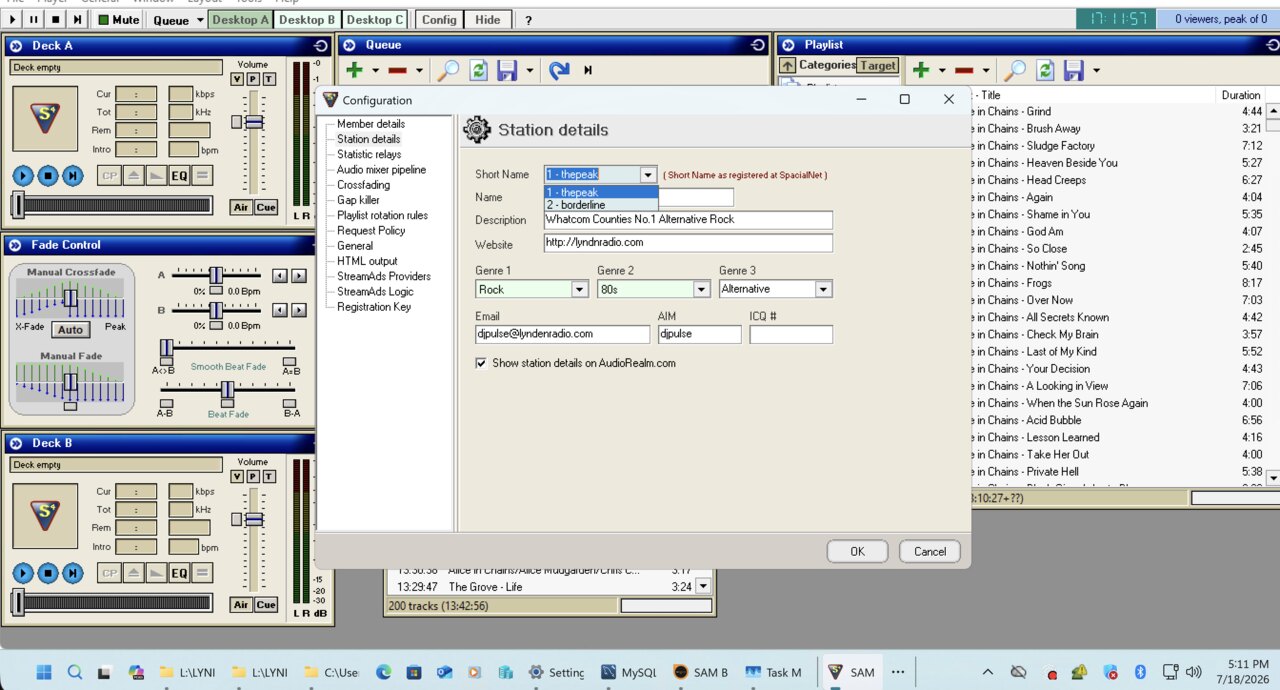
SAM Broadcaster 4 — live AudioRealm station directory
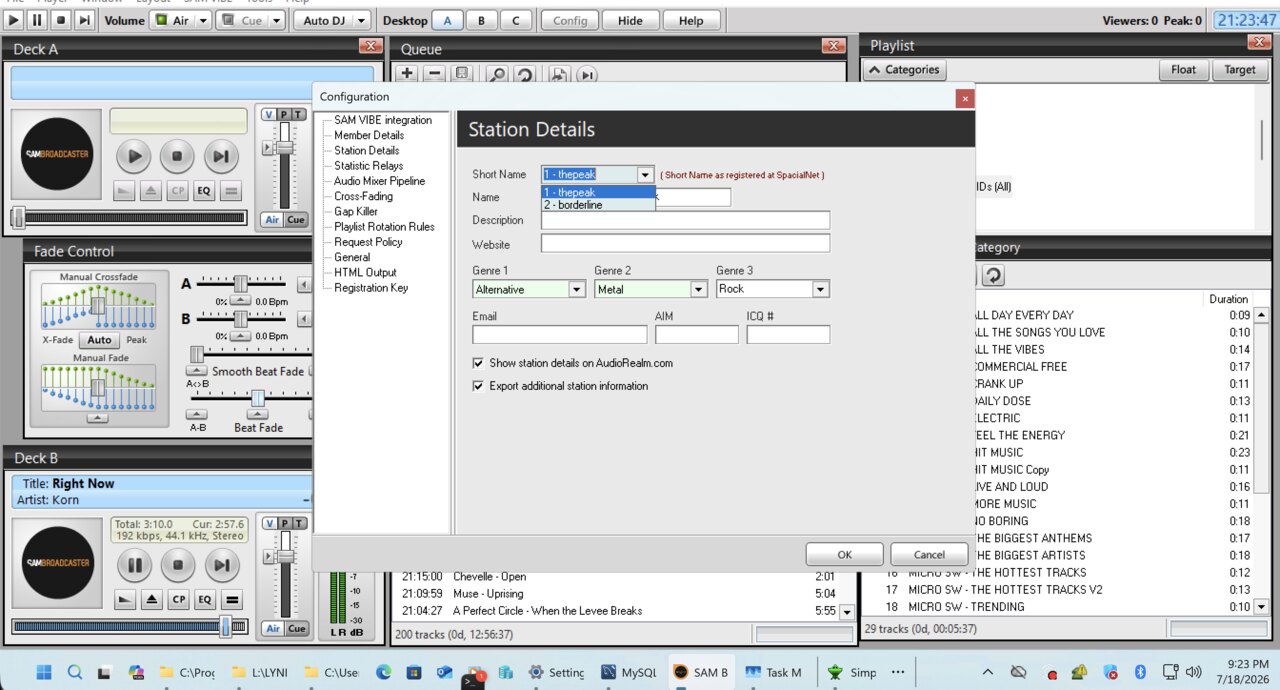
SAM VIBE (2025) — station details through the bridge
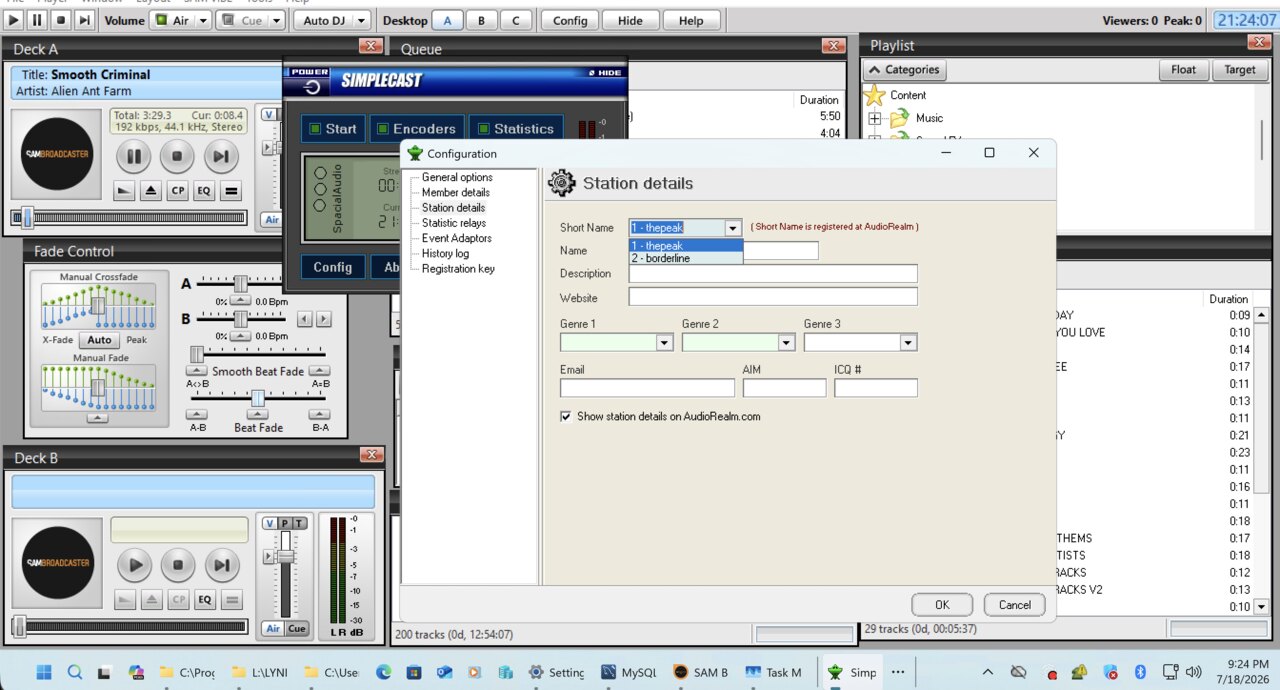
SimpleCast — directory dropdown restored
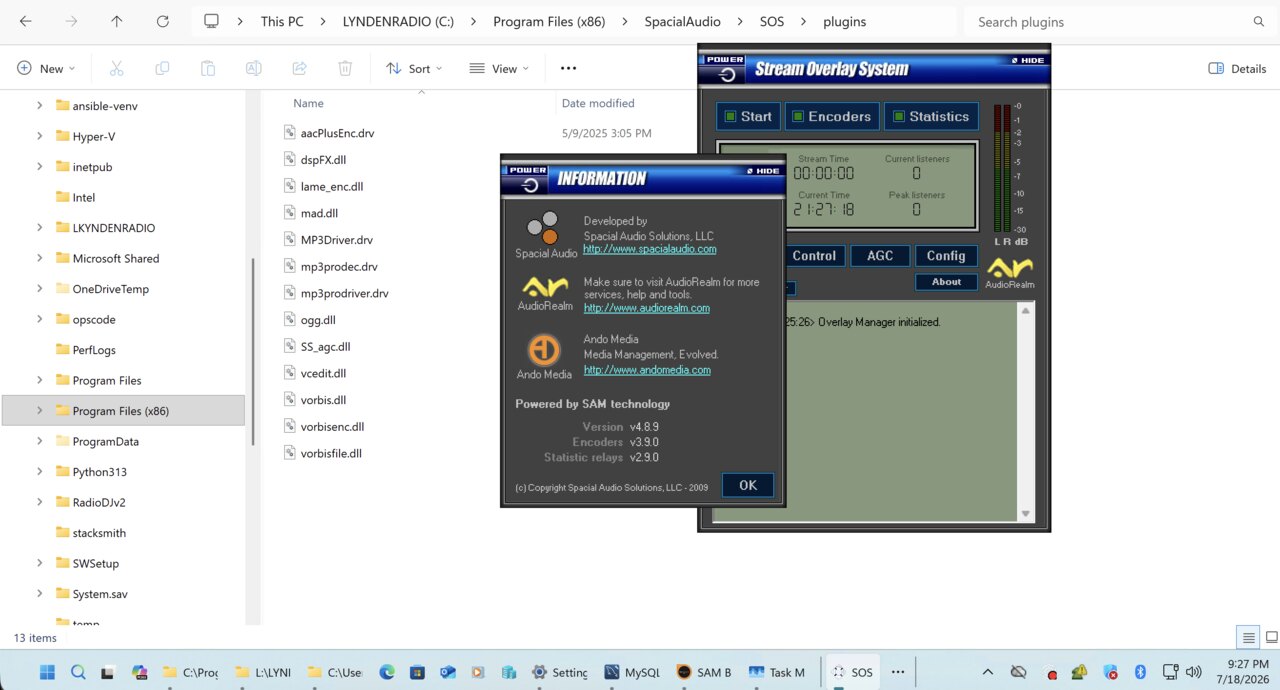
SOS — Stream Overlay System (Powered by SAM)
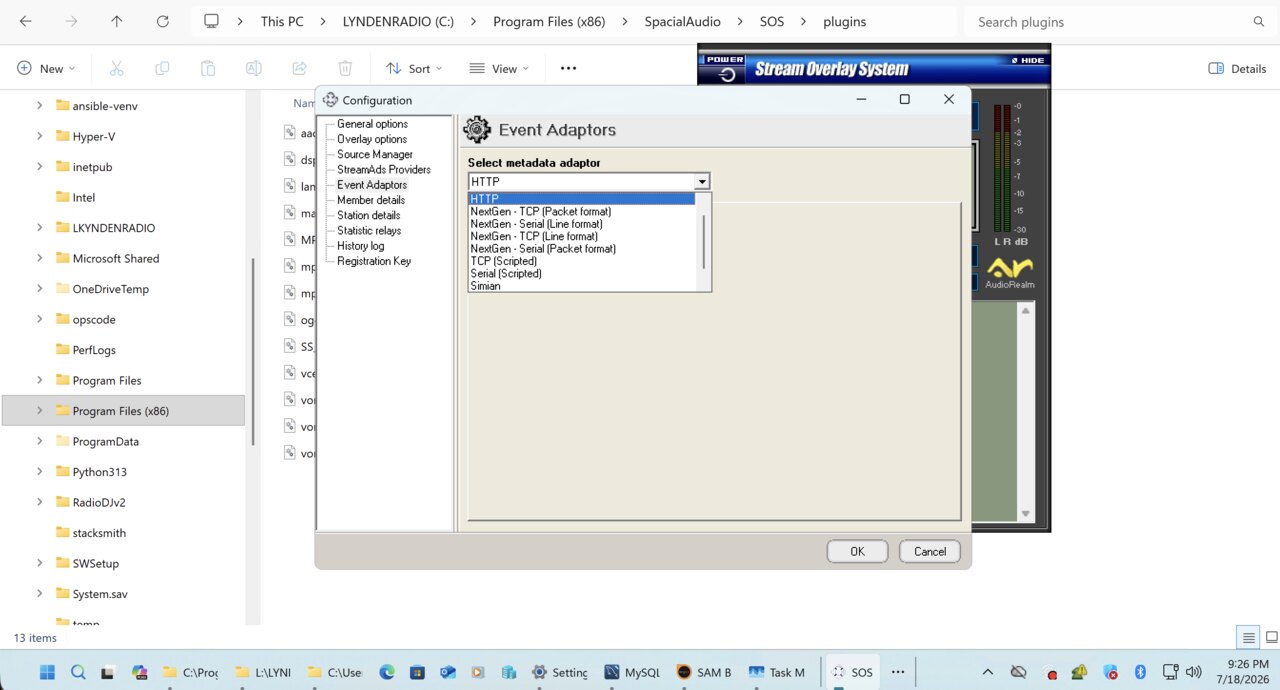
SOS — Event Adaptors (metadata I/O)
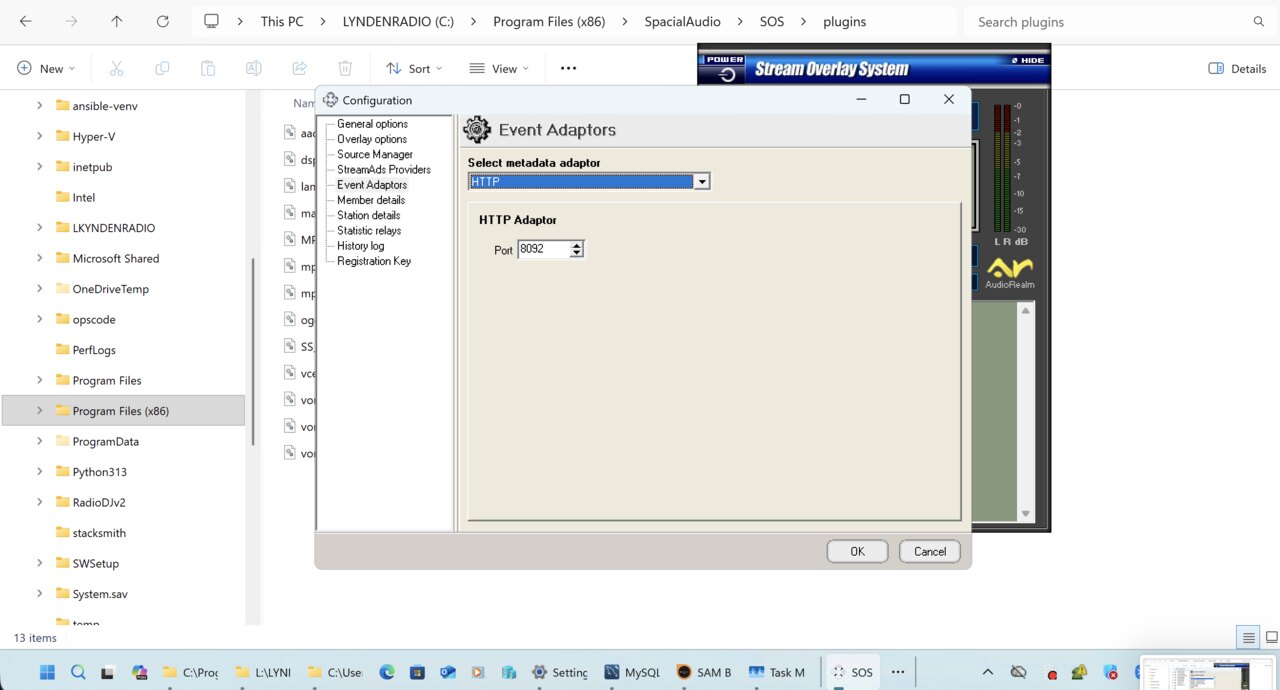
SOS — HTTP metadata adaptor
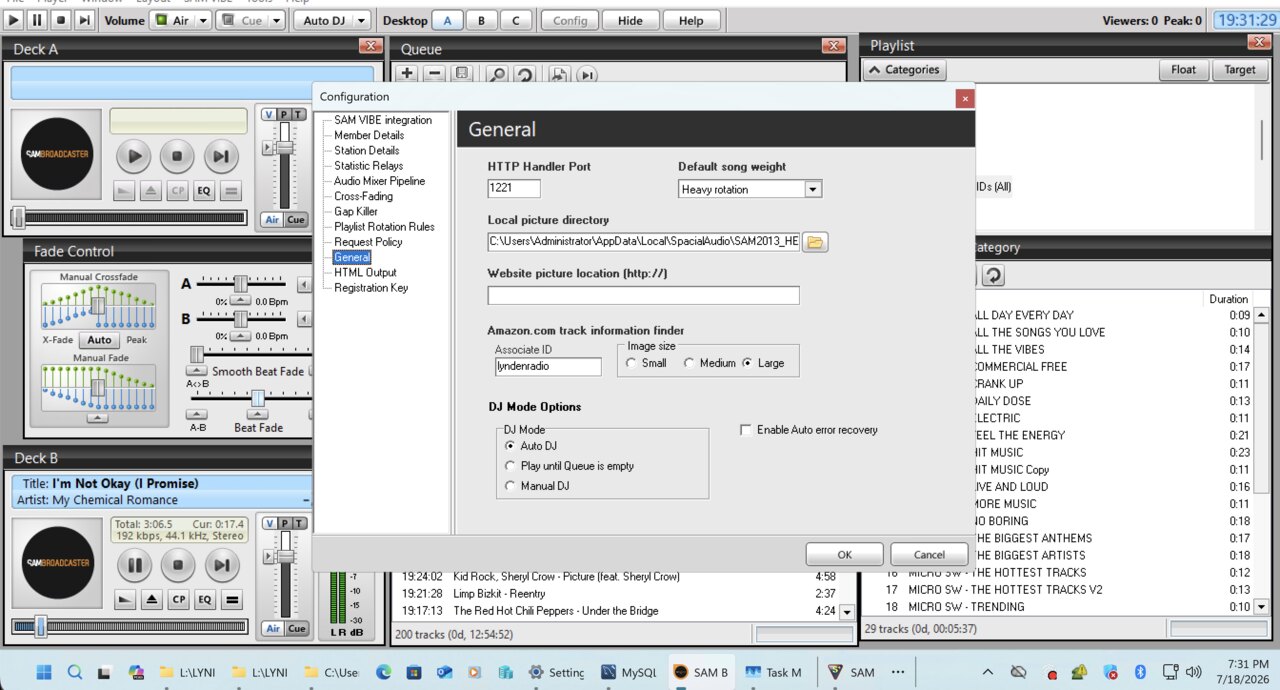
SAM HTTP Handler (:1221)
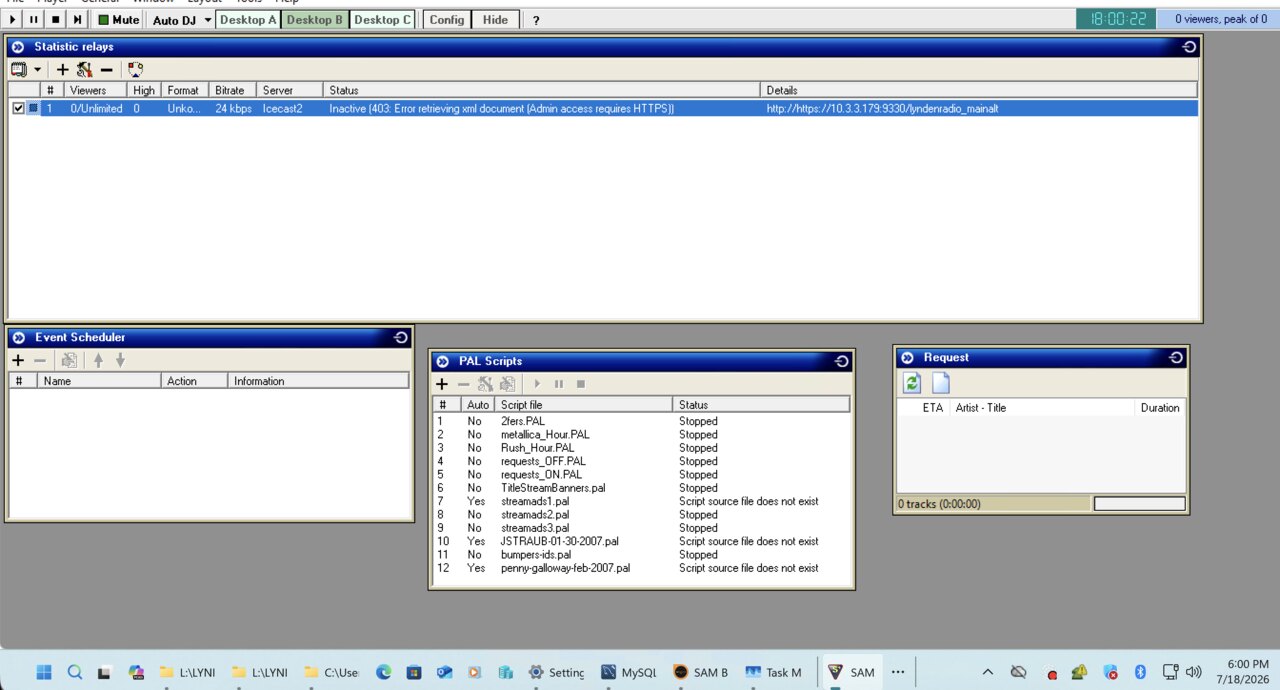
Statistic relay — live listener stats
What it does
- Runs a local nginx + PHP service that terminates the old apps' plain-HTTP and speaks modern TLS to audiorealm.net — so a frozen-in-2013 client works on Windows 11.
- Restores directory login & your station Short-Name list in Station Details.
- Feeds live now-playing + listener stats to the AudioRealm YP directory on every song change.
- Bundles a local admin console (HTTPS) with a live up/down monitor for every SAM instance on the machine.
- Auto-updating: checks audiorealm.net for new releases.
Install in 4 steps
- Download the installer above and run it in an Administrator PowerShell.
- It installs nginx + PHP + NSSM (via Chocolatey) and configures the bridge automatically.
- In your Spacial app, enter your AudioRealm login under Member Details.
- Add a Statistic Relay pointed at
127.0.0.1, mark it Active + Public — you're listed.